


Blog
Computer Accessories in Sri Lanka: A Complete Buying Guide

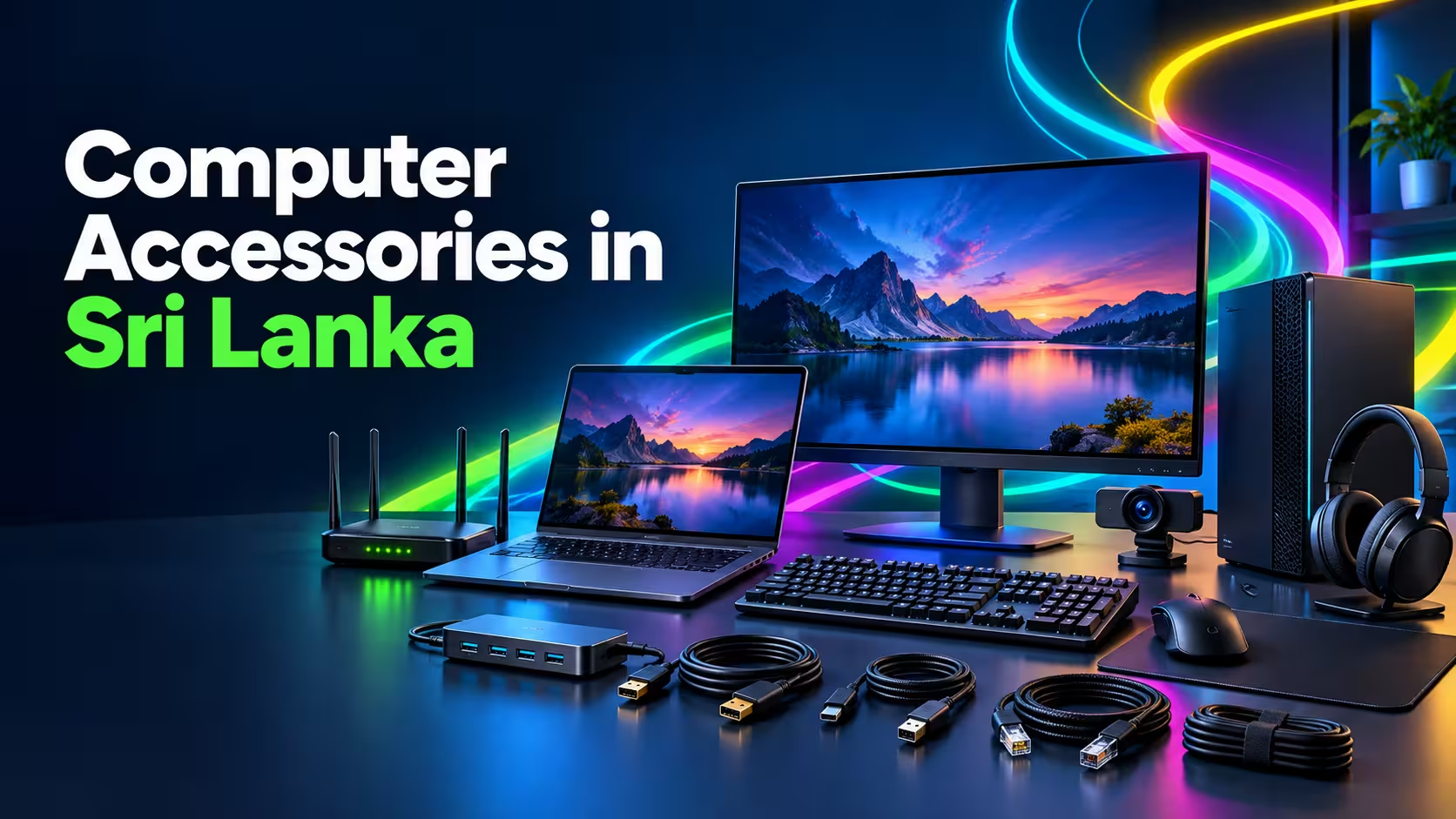
The right computer accessories can make your everyday work faster, more comfortable and more productive. Whether you are setting up a home office, upgrading a business workstation, preparing for online studies or improving your entertainment setup, carefully selected accessories can transform how you use your computer.
However, with many products, specifications and connection types available, selecting the correct accessories can be challenging. This guide explains the most useful computer accessories in Sri Lanka and what you should consider before purchasing them.
Why Are Computer Accessories Important?
A computer can perform essential tasks on its own, but accessories make it easier to communicate, connect devices, protect data and work efficiently.
Suitable computer accessories can help you:
- Improve comfort and productivity
- Connect multiple devices
- Transfer files faster
- Improve audio and video quality
- Reduce cable clutter
- Protect equipment from power-related issues
- Create a more organised workspace
- Upgrade an existing computer affordably
The best accessories depend on your device, working environment and daily requirements.
Essential Computer Accessories for Everyday Use
1. Keyboard
A keyboard is one of the most frequently used computer accessories. Your choice can affect typing speed, comfort and productivity.
Standard wired keyboards are practical for regular office and home use. Wireless keyboards offer a cleaner workspace and greater flexibility. Mechanical keyboards provide more responsive keys and are popular among gamers, programmers and users who type for extended periods.
When selecting a keyboard, consider:
- Wired or wireless connectivity
- Keyboard size and layout
- Key comfort
- Numeric keypad availability
- Backlighting
- Device compatibility
- Build quality
A full-size keyboard may suit accounting and office work, while a compact keyboard can save desk space.
2. Mouse
A reliable mouse improves navigation and makes precise computer tasks easier.
Wired mice are simple, affordable and do not require battery replacement. Wireless mice reduce cable clutter and are convenient for laptops and portable setups. Ergonomic mice are designed to reduce discomfort during extended use.
Important features include:
- Sensor accuracy
- Wired or wireless connectivity
- Comfortable shape
- Adjustable sensitivity
- Number of buttons
- Battery performance
- Left- or right-handed design
Graphic designers, gamers and other precision-focused users may benefit from a mouse with adjustable DPI settings.
3. Computer Cables
Cables are essential for connecting computers to monitors, printers, storage devices, networks and power sources. Choosing the wrong cable may result in connection problems, limited resolution or slower data transfer.
Common computer cables include:
- HDMI cables
- DisplayPort cables
- VGA cables
- USB cables
- USB-C cables
- Ethernet cables
- Printer cables
- Power cables
- Audio cables
- Extension cables
Before purchasing, inspect the ports on both devices. Two connectors may look similar while supporting completely different technologies.
Cable length also matters. A cable should comfortably reach both devices without being excessively long, tightly stretched or bent.
HDMI, DisplayPort and VGA: Which One Should You Choose?
These cables are commonly used to connect computers to monitors, televisions and projectors.
HDMI
HDMI can carry digital video and audio through one cable. It is commonly found on laptops, desktop computers, monitors, televisions and projectors.
It is a practical option for:
- Office presentations
- Home entertainment
- External monitors
- Television connections
- General computer use
DisplayPort
DisplayPort is frequently used with desktop monitors and performance-oriented computer setups. Depending on the devices and cable version, it may support high resolutions and refresh rates.
It is often selected for:
- Professional monitors
- Multi-monitor workstations
- Gaming setups
- High-resolution displays
VGA
VGA is an older analogue connection still found on some projectors and older monitors. It normally carries video only and may not provide the same image quality as modern digital connections.
Before purchasing any display cable, confirm the available output on your computer and input on your display.
USB Hubs and Adapters
Modern laptops often have fewer ports than older computers. A USB hub allows several devices to connect through one computer port.
Depending on the model, a USB hub may support:
- Flash drives
- Keyboards and mice
- External storage
- Memory card readers
- Printers
- Smartphones
- HDMI displays
- Ethernet connections
- Power delivery
USB-C hubs are useful for slim laptops with limited connectivity. However, not every USB-C port supports video output or charging. Check the specifications of your laptop before choosing a hub.
Headphones and Headsets
Headphones and headsets are valuable for online meetings, education, entertainment and gaming.
A headset includes a microphone, while regular headphones may focus primarily on audio. For video calls and online classes, microphone clarity can be as important as sound quality.
Consider the following:
- Wired or wireless connection
- Microphone quality
- Comfort and weight
- Noise isolation
- Battery life
- USB, Bluetooth or 3.5 mm compatibility
- In-line controls
For long work sessions, lightweight ear cushions and an adjustable headband can improve comfort.
Webcams for Meetings and Online Learning
A webcam can improve video quality during online meetings, interviews, classes and live sessions. Although many laptops have built-in cameras, an external webcam may provide better positioning and image quality.
Useful webcam features include:
- Suitable video resolution
- Built-in microphone
- Automatic focus
- Low-light performance
- Privacy cover
- Adjustable mounting clip
- USB compatibility
Position the webcam near eye level and use adequate front lighting for a more professional appearance.
Routers and Network Accessories
A stable internet connection is essential for cloud applications, online meetings, streaming and remote work.
Networking accessories may include:
- Wi-Fi routers
- Ethernet cables
- Network switches
- USB Wi-Fi adapters
- Range extenders
- Network connectors
A wired Ethernet connection often provides greater stability for desktop computers, large downloads and online meetings. Wi-Fi provides flexibility for mobile devices and rooms where cabling is impractical.
Router performance can be affected by walls, distance, interference and the number of connected devices. Positioning the router in an open, central location may improve coverage.
External Storage and Data Accessories
External storage devices help transfer, store and back up important files.
Common options include:
- USB flash drives
- External hard drives
- Portable SSDs
- Memory cards
- Card readers
- External drive enclosures
A portable SSD generally provides faster performance, while an external hard drive may offer more storage for the price. Flash drives are convenient for quickly transferring smaller files.
Important business or personal files should not be stored in only one location. Maintain at least one additional backup, preferably on another device or a secure cloud service.
Laptop Stands and Cooling Accessories
A laptop stand raises the screen and can create a more comfortable viewing position. When combined with an external keyboard and mouse, it can improve a laptop-based workstation.
Cooling pads may help increase airflow around laptops that generate significant heat. However, a cooling accessory cannot correct blocked ventilation, damaged fans or other internal hardware problems.
When selecting a laptop stand, consider:
- Supported laptop size
- Weight capacity
- Adjustable height
- Stability
- Ventilation
- Portability
Power Protection Accessories
Power interruptions and voltage fluctuations can damage computer equipment or cause data loss.
Useful power-related accessories include:
- Surge protectors
- Uninterruptible Power Supplies
- Quality power strips
- Replacement power adapters
- Cable organisers
A UPS can provide temporary power during an outage, allowing you to save work and shut down safely. Choose a UPS according to the total power requirements of the connected equipment.
Avoid connecting expensive computer equipment to damaged, overloaded or poor-quality power extensions.
Wired vs Wireless Accessories
Both options have advantages.
Wired Accessories
Wired keyboards, mice and headsets offer:
- Stable connections
- No battery charging
- Simple setup
- Lower connection latency
- Affordable options
Wireless Accessories
Wireless products offer:
- Reduced cable clutter
- Greater freedom of movement
- Convenient laptop use
- Cleaner desk arrangements
Wireless accessories require batteries or charging and may experience interference in crowded environments. Choose based on convenience, performance requirements and workspace layout.
How to Choose the Right Computer Accessories
Check Device Compatibility
Confirm the operating system, port type and supported connection standard. A USB-C connector does not guarantee that every USB-C feature is supported.
Identify Your Main Requirement
Avoid purchasing accessories only because they offer many features. Select products that address your actual needs, such as additional ports, improved comfort or a more stable connection.
Consider Build Quality
Frequently used items such as keyboards, mice and cables should have durable connectors, reliable switches and appropriate strain relief.
Compare Specifications
Compare data-transfer speeds, display support, cable standards, wireless versions and power requirements instead of judging products only by appearance.
Think About Future Devices
Where practical, choose accessories that can also support devices you may purchase later.
Common Mistakes to Avoid
When buying computer accessories, avoid:
- Purchasing cables without checking connector types
- Selecting a USB hub without checking power requirements
- Using low-quality adapters with valuable equipment
- Buying wireless products without verifying compatibility
- Choosing cables that are too short or excessively long
- Ignoring warranty and supplier support
- Connecting too many high-power devices through an unpowered hub
- Buying based only on the lowest price
A small compatibility check before purchasing can prevent wasted money and equipment problems.
Buy Computer Accessories Online in Sri Lanka
ITCloud.lk provides technology products and computer accessories for home, office and business requirements. Customers can explore available computer cables and related accessories while also finding printers, printer consumables and other essential equipment in one place.
Before placing an order, compare your device ports and technical requirements with the product information. If you are uncertain, share the model numbers or photographs of the relevant ports with the support team.
Frequently Asked Questions
What are the most important computer accessories?
A keyboard, mouse, appropriate cables, audio device and reliable networking equipment are among the most useful accessories. The ideal selection depends on how you use your computer.
How do I identify the correct computer cable?
Check the ports on both devices and confirm the required connection standard. Common options include HDMI, DisplayPort, VGA, USB, USB-C and Ethernet.
Do all USB-C ports support monitors?
No. Some USB-C ports support only charging or data transfer. Video output requires the appropriate USB-C display capability.
Is a wired or wireless mouse better?
A wired mouse provides a stable connection without batteries, while a wireless mouse offers portability and a cleaner desk. Either can be suitable depending on your priorities.
Why should I use a surge protector or UPS?
These devices can help protect equipment from power-related problems. A UPS can also provide temporary power during an outage so you can save your work safely.
Can I connect an external keyboard and mouse to a laptop?
Yes. Most laptops support wired or wireless keyboards and mice through USB, Bluetooth or a compatible receiver.
Upgrade Your Computer Setup with ITCloud.lk
Well-chosen computer accessories can improve productivity, comfort, connectivity and equipment protection without requiring a complete computer replacement.
Explore computer accessories at ITCloud.lk and select products that match your device, workspace and daily requirements. If you need help identifying a compatible cable or accessory, contact the ITCloud.lk team before ordering.