

Blog
Printer Cartridges in Sri Lanka: How to Choose the Right Cartridge for Your Printer

Choosing the correct printer cartridge is essential for producing clear documents, vibrant images and consistent print results. However, with different printer brands, cartridge numbers and consumable types available, finding the right product can sometimes feel confusing.
Whether you use a printer at home, in an office, at school or for business, this guide will help you understand the different types of printer cartridges available in Sri Lanka and how to select the best option for your printer.
What Is a Printer Cartridge?
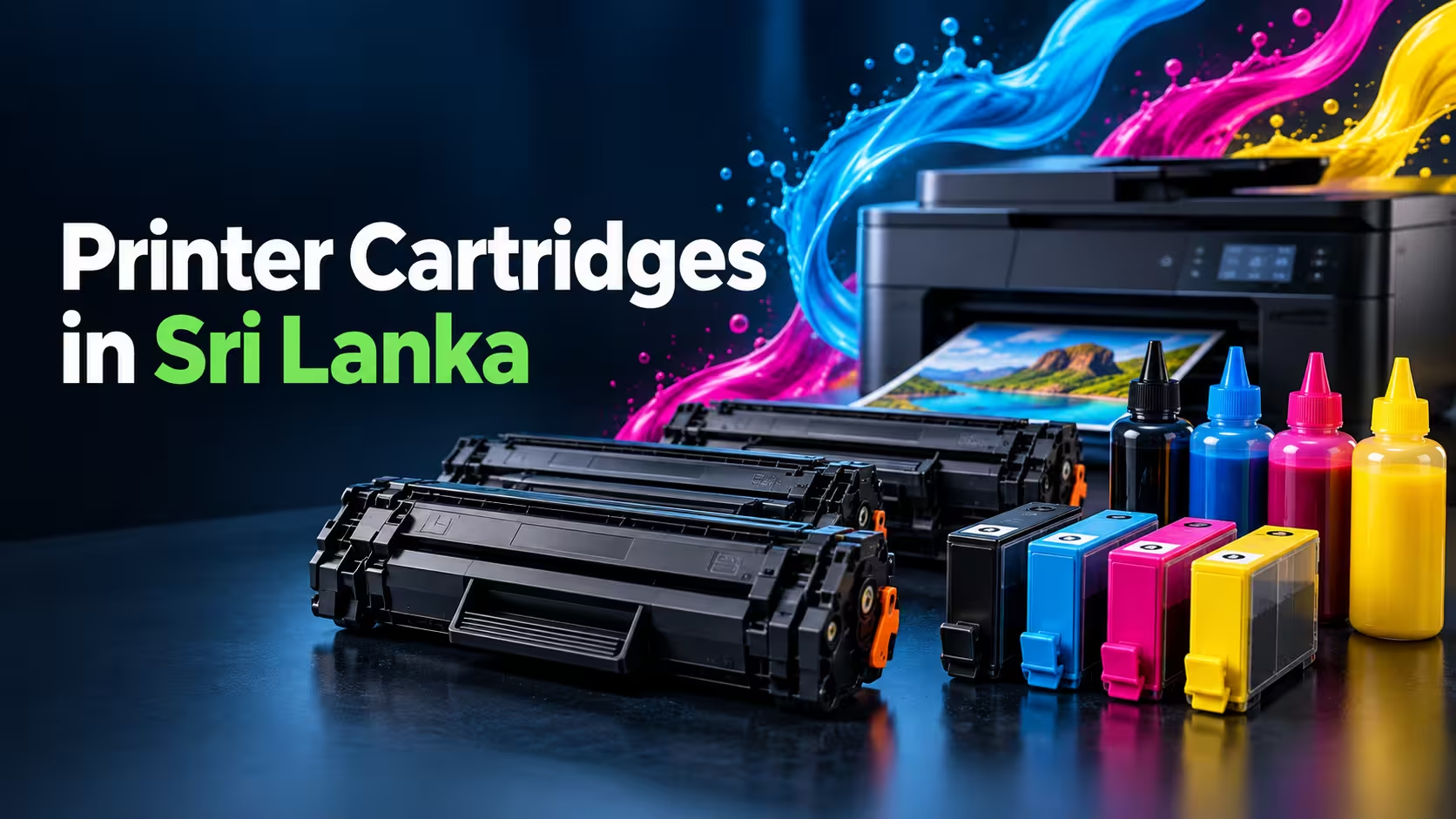
A printer cartridge is a replaceable component that supplies ink or toner to a printer. The type of cartridge you need depends on whether your printer uses inkjet, ink tank or laser printing technology.
The main printer consumables include:
- Ink cartridges
- Toner cartridges
- Ink bottles
- Printer drums
- Printer heads
- Maintenance components
Each product performs a different function. Before purchasing a replacement, always confirm your printer type, model number and cartridge code.
Ink Cartridges vs Toner Cartridges
Ink and toner cartridges are designed for different printing technologies.
Ink Cartridges
Ink cartridges contain liquid ink and are normally used in inkjet printers. They are suitable for printing colour documents, photographs, graphics and everyday home or office materials.
Inkjet printers are often a practical choice for users who need:
- High-quality colour printing
- Photo printing
- A compact printer for home use
- Occasional document printing
- Affordable initial printer costs
Toner Cartridges
Toner cartridges contain a fine powder and are used in laser printers. They are commonly selected for offices, schools and businesses that print large quantities of documents.
Laser printers and toner cartridges are particularly suitable for:
- High-volume document printing
- Fast printing
- Sharp black text
- Business reports and invoices
- Lower printing costs per page in busy environments
If your printer is a laser printer, an ink cartridge will not work with it. Similarly, toner cartridges cannot be used in inkjet printers.
Original vs Compatible Printer Cartridges
When shopping for printer cartridges in Sri Lanka, you may find both original and compatible products.
Original Cartridges
Original cartridges are manufactured or officially supplied by the printer brand. They are designed for specific printer models and generally provide reliable compatibility and consistent printing performance.
Original cartridges can be a good option when manufacturer-backed compatibility is your main priority.
Compatible Cartridges
Compatible cartridges are manufactured by third-party suppliers for use with particular printer models. A properly matched, good-quality compatible cartridge can offer dependable everyday printing at a more affordable cost.
Compatible cartridges may be suitable for:
- Offices with regular printing requirements
- Students and home users
- Businesses looking to control operating costs
- High-volume black-and-white document printing
Compatibility should always be checked carefully before purchasing. A cartridge that looks similar may still have a different cartridge code, chip or printer compatibility list.
How to Find the Correct Cartridge for Your Printer
The safest way to select a cartridge is to check both the printer model and cartridge number.
1. Check the Printer Brand
Identify whether you use a Brother, Canon, Epson, HP, Samsung, Toshiba or another printer brand.
2. Find the Exact Printer Model
The model number is usually printed on the front, top or back of the printer. It may also appear in the printer settings on your computer.
Do not rely only on the brand name. Different printers from the same manufacturer can require completely different cartridges.
3. Check the Existing Cartridge
Remove the current cartridge carefully and look for its product code. Toner and ink cartridge codes are normally printed clearly on the label or casing.
4. Read the Compatibility Information
Before ordering, check the product description for a list of supported printer models. The cartridge code and printer model should both match whenever possible.
5. Ask for Assistance When Unsure
If you cannot identify the right cartridge, contact the supplier with a clear photograph of the printer model label or existing cartridge. This is safer than purchasing based only on the cartridge’s appearance.
Signs That Your Printer Cartridge Needs Replacing
Common signs of an empty, low or damaged cartridge include:
- Faded printing
- Missing lines or sections
- Uneven colours
- Repeated marks on printed pages
- Toner-low or ink-low warnings
- Completely blank pages
- Poor print quality after cleaning
- Inconsistent black or colour output
Poor printing is not always caused by the cartridge. Printer heads, drums, rollers and other maintenance components can also affect print quality.
For example, if a new toner cartridge still produces repeated marks or faded sections, the printer drum may need inspection or replacement.
How to Reduce Printer Cartridge Costs
Printer expenses can increase quickly in a busy office. A few practical decisions can help you manage printing costs.
Use Draft Mode When Appropriate
Draft or economy mode uses less ink or toner and may be suitable for internal documents and temporary printouts.
Print in Black and White
Use monochrome printing when colour is unnecessary. This helps preserve colour consumables.
Preview Documents Before Printing
Check page layout, margins and page count before pressing Print. This reduces paper and cartridge waste caused by incorrect formatting.
Choose the Right Printer for Your Volume
An inkjet printer may be suitable for occasional home printing, while a laser printer may be more economical for frequent office documents.
Consider Quality Compatible Cartridges
Compatible cartridges can reduce ongoing printing expenses when they are correctly matched to your printer and purchased from a reliable supplier.
How to Store Ink and Toner Cartridges
Proper storage can help protect unused printer cartridges.
- Keep cartridges sealed until they are needed.
- Store them in a cool, dry location.
- Keep them away from direct sunlight and excessive heat.
- Avoid opening protective packaging early.
- Store toner cartridges horizontally when recommended.
- Keep ink outlets and electrical contacts clean.
- Avoid touching sensitive cartridge components.
Always follow the handling instructions supplied with the cartridge.
Why Cartridge Compatibility Matters
Installing an incorrect cartridge can result in error messages, poor print quality or complete cartridge rejection. Forcing an unsuitable cartridge into a printer may also damage internal components.
Correct compatibility provides several benefits:
- Easier installation
- Stable printer recognition
- Consistent print quality
- Reduced risk of leakage
- Better page performance
- Fewer printing interruptions
Always select printer consumables according to the model and cartridge code rather than price or physical appearance alone.
Buy Printer Cartridges Online in Sri Lanka
ITCloud.lk offers printer consumables for a variety of home, office and business printing requirements. Available categories include toner cartridges, ink cartridges, compatible toner, ink bottles, printer drums and other printing supplies.
Customers can explore compatible and branded consumables for popular printer manufacturers, including Brother, Canon, Epson, HP, Samsung and Toshiba.
Before ordering, confirm your printer model and cartridge code. If you need help, contact ITCloud.lk with your printer details to identify a suitable option.
Frequently Asked Questions
How do I know which cartridge fits my printer?
Check the exact printer model and the product code printed on the existing cartridge. Compare both details with the compatibility information in the product description.
Are toner and ink cartridges the same?
No. Ink cartridges contain liquid ink and are used in inkjet printers. Toner cartridges contain powder and are used in laser printers.
Can I use a compatible cartridge in my printer?
A compatible cartridge can be used when it has been manufactured for your exact printer model. Always verify the cartridge number and compatibility list before purchasing.
Why is my printer not recognising a new cartridge?
Possible causes include an incompatible cartridge, protective seals that have not been removed, dirty electrical contacts, incorrect installation or a cartridge chip issue.
When should a printer drum be replaced?
A drum may require replacement when printed pages show repeated marks, lines, faded areas or other defects that continue after replacing the toner cartridge.
Find the Right Printing Solution at ITCloud.lk
The correct printer cartridge helps your printer produce dependable results while reducing unnecessary waste and interruptions. Whether you need ink, toner, compatible consumables or other printer components, always begin by checking the printer model and cartridge code.
Browse printer cartridges and printing supplies at ITCloud.lk, or contact the support team for assistance in identifying the corr